


Loading Data into FineClipboard
Select the "Import", "Format CAD into FineClipboard" items from the program menu ("File"), and then select the file to be imported.
The data is loaded and displayed in the CAD Import dialog window, which allows selecting individual layers and to specify other parameters.
After pressing the OK button, the selected layers of the DXF file are converted into interfaces and copied into FineClipboard. Data from FineClipboard can be afterward pasted into various places in the program.
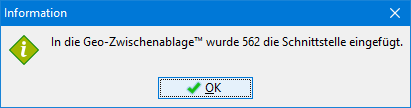 Information about successful copying into FineClipboard