


Geometry
The "Geometry" frame allows by pressing the button for selecting the wall shape.
The shape of a wall can be edited either in the frame by inserting values into input fields, or on the desktop with the help of active dimensions.
The first type of geometry (wall) enables to define foundation; for other types (embankments) the program allows for inputting the cover. The selected type of geometry influences other frames and their inputting modes (water, surcharge, reinforcement). The following verification options are available for individual types of geometries:
Geometry type | Verification | |
1 | Wall with the option to define a foundation | Verification, dimensioning, bearing capacity, internal stability, reinforcement bearing capacity, global stability, slope stability |
2 | One-sided slope | Verification, bearing capacity, internal stability, global stability, slope stability |
3 | Two-sided slope | Global stability, slope stability |
4 | One-sided zoned by benches | Verification, bearing capacity, internal stability, global stability, slope stability |
5 | Two-sided zoned by benches | Global stability, slope stability |
The program makes it possible to export the geometry of a structure in the *.DXF format.
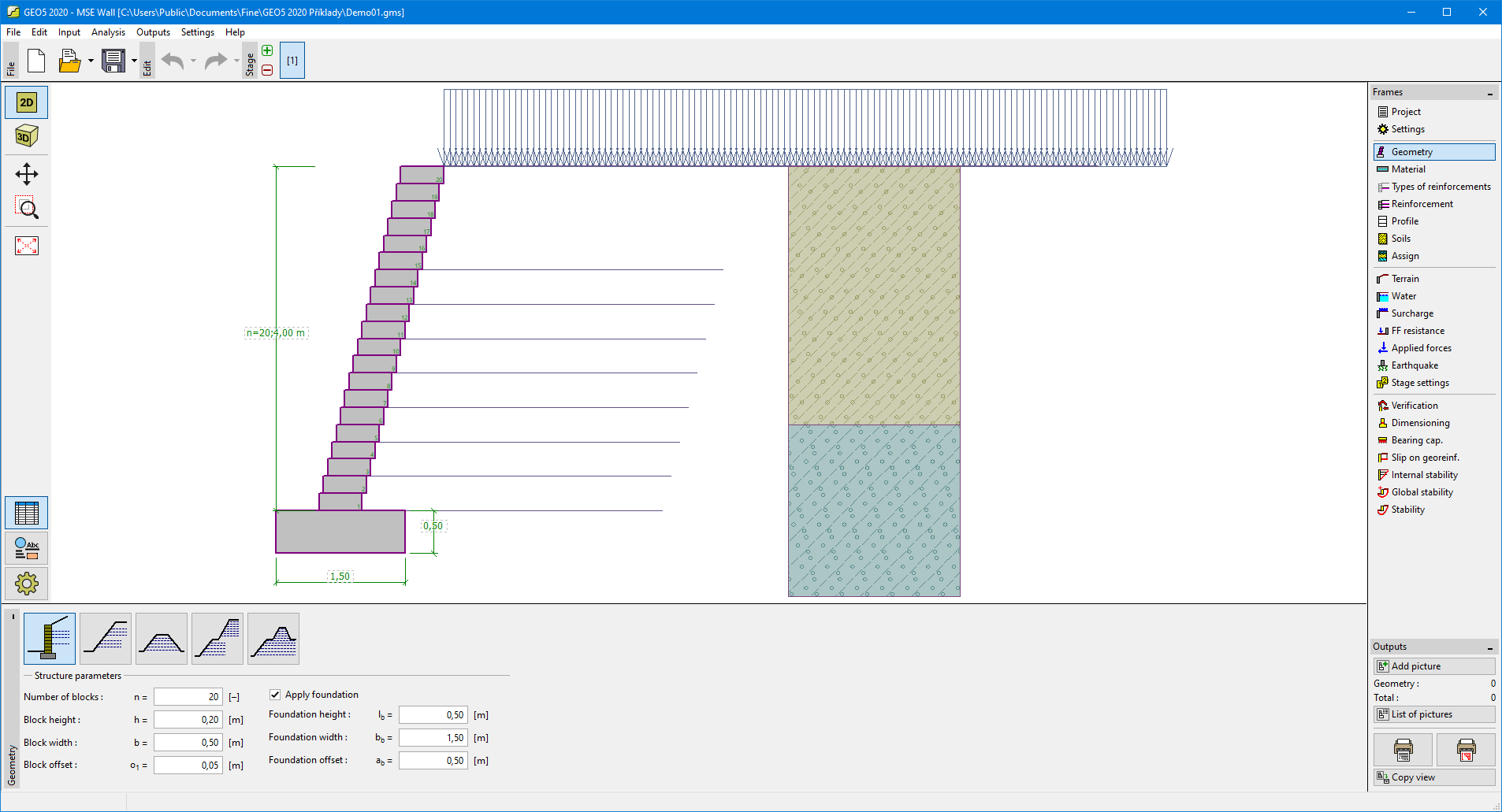 Frame "Geometry"